1 Month
$11.99$9.59
Save 20%
Use XOTT Player as a supported IPTV player with compatible Ultra 8K IPTV account details. This page explains setup, account login, EPG, playback, troubleshooting and device compatibility without treating XOTT Player as an Ultra 8K IPTV-owned application.
Ultra 8K IPTV currently lists 45,000+ live channels, 200,000+ movies and 40,000+ series. Available streams can include HD, Full HD, 4K and selected higher-resolution content where available.
Learn how to use XOTT Player with Ultra 8K IPTV for supported account login, EPG, live TV and VOD playback
XOTT Player is used as an IPTV playback interface on supported platforms. Ultra 8K IPTV supplies the service account; XOTT Player provides the player interface where compatible. Player availability and individual features can vary by device and software version.
Add compatible account credentials using the login method supported by your installed XOTT Player version.
Browse and play available live TV categories supplied by your Ultra 8K IPTV account.
VOD categories may be displayed where supported by both the service account and player version.
Program-guide data can appear where the current source and player support EPG information.
Supported player interfaces can organize live channels and VOD into categories for easier browsing.
Where supported by the installed version, favorite channels or content can be saved for quicker access.
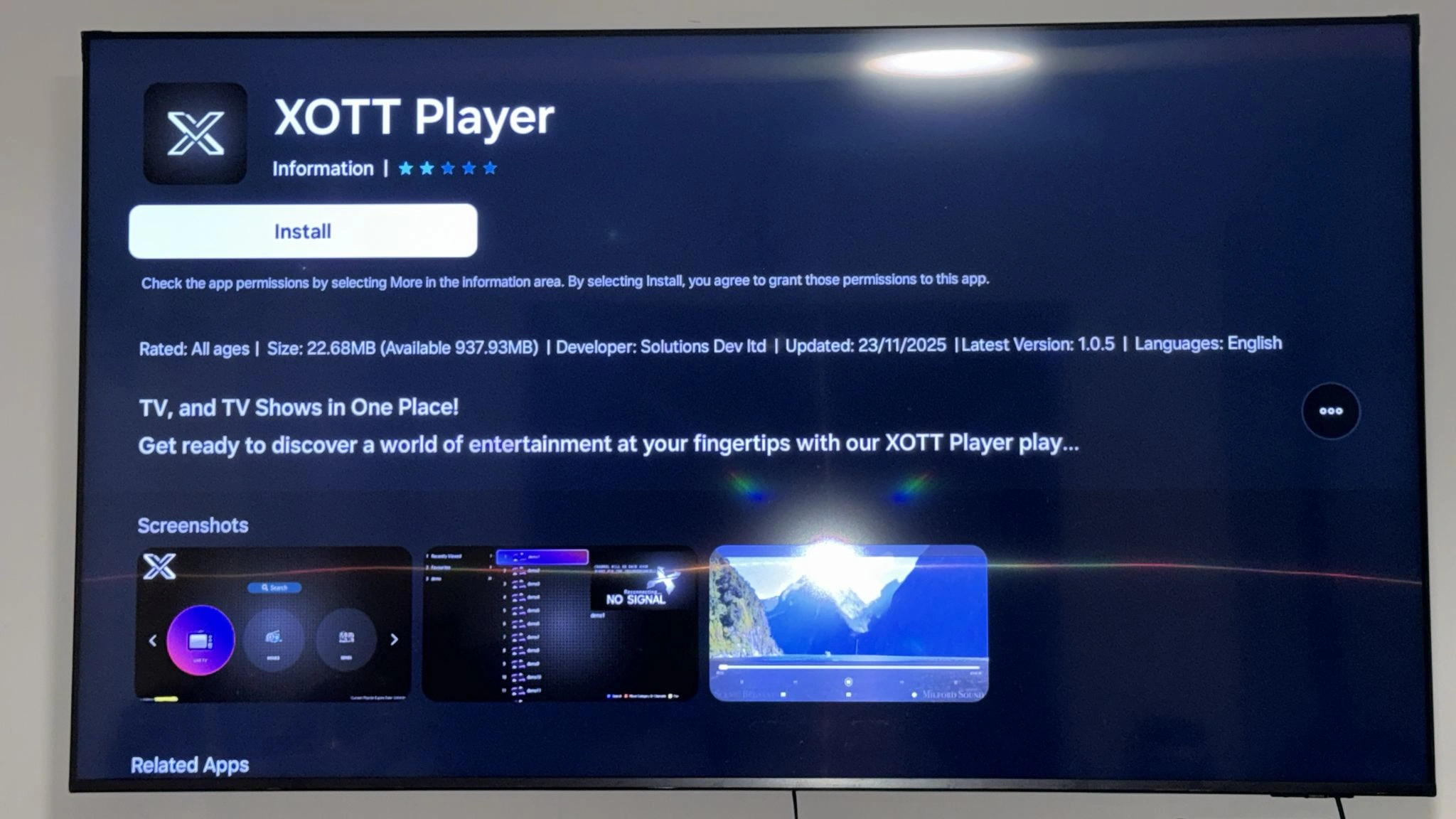
Use the legitimate XOTT Player distribution method available for your device. Once installed, the standard account setup flow is straightforward.
Install XOTT Player only through a legitimate source available for your supported device or platform.
Open XOTT Player and locate the account, provider, playlist or supported login screen.
Enter the Ultra 8K IPTV server, username and password or other supported account details exactly as provided.
Save the account and allow the live TV, VOD and EPG information to load where available.
Open several channels and content categories to confirm that playback and navigation are working correctly.
Exact login options depend on the XOTT Player version and platform you install. Use only the method supplied with your Ultra 8K IPTV account.
Some player versions support a provider-style login using a server or portal URL together with a username and password.
If your installed version supports playlist URLs, add the M3U link supplied with your account through the relevant playlist option.
These screenshots show the XOTT Player interface examples currently used across the Ultra 8K IPTV website.
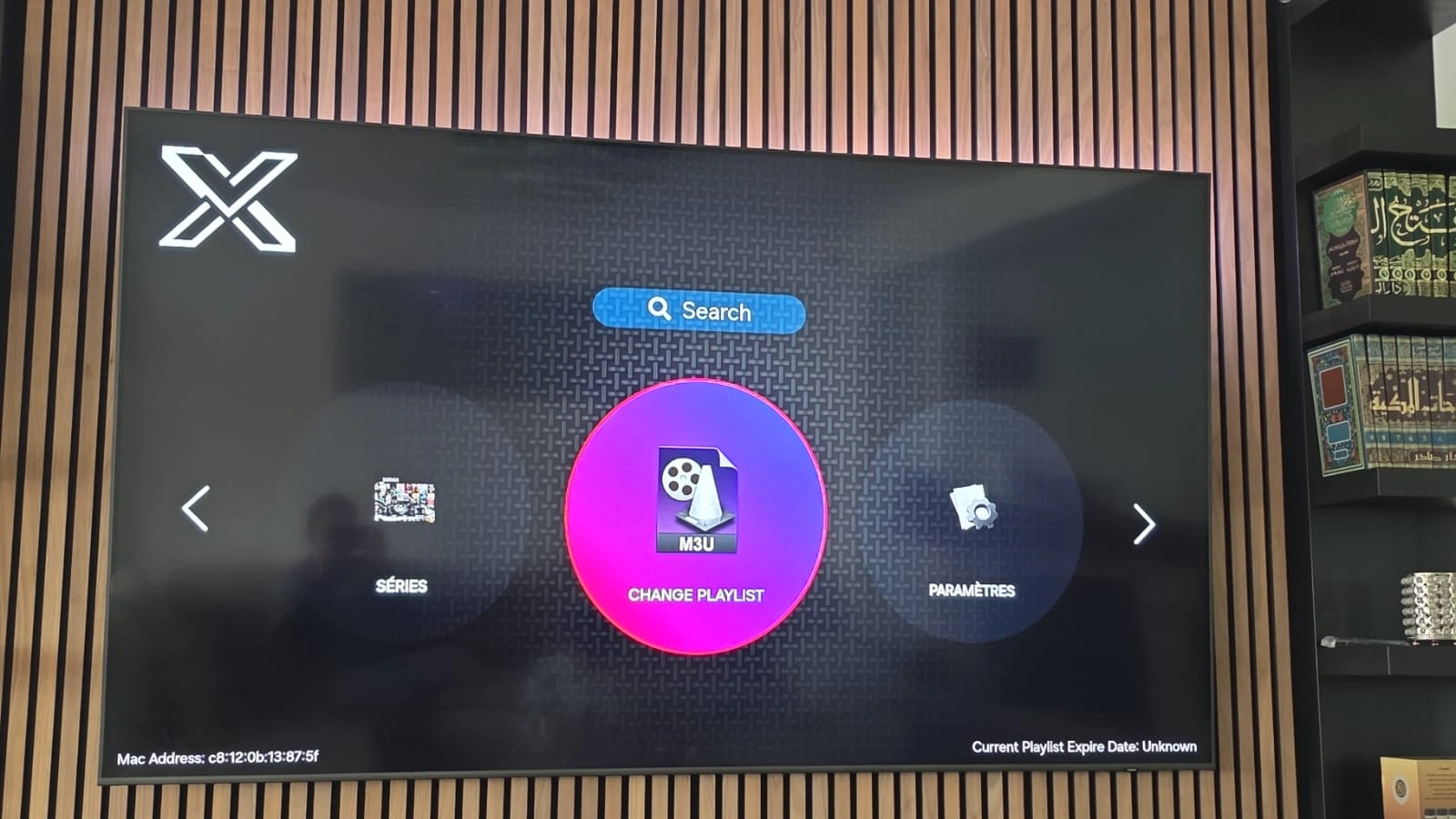
Home interface for accessing live TV and available content categories.
Live TV browsing example with channel categories and available streams.
XOTT Player does not determine the resolution of every stream. Playback quality depends on the source, device, display, codec support, player version and internet connection.
Many available sources may be offered in HD or Full HD depending on the current feed.
Selected channels or content may be available in 4K when the source and device support it.
Some sources may offer higher-resolution streams, but availability is selective rather than guaranteed across the full lineup.
A stable network connection is important for higher-bitrate streams and smooth playback.
XOTT Player availability depends on the current app distribution and device platform. Check your device's app source or the current XOTT Player distribution before assuming support.
Use XOTT Player where a compatible version is currently available for your Android device.
Availability and installation method can vary by Fire OS version and current app distribution.
App availability can vary by TV brand, model, operating system and region.
Check the current XOTT Player source for supported desktop or mobile builds before installation.
Both can be used as IPTV player options where supported, but they are separate player experiences. Choose according to platform availability, interface preference and the features available on your device.
Use XOTT Player when a compatible build is available for your device and you prefer its interface and supported login options.
Best for: users who already use or prefer XOTT Player on a supported platform.
Ultra 8K OTT Player has its own dedicated page with interface screenshots, live TV browsing, VOD, EPG and other supported player features.
If XOTT Player is installed but your IPTV account is not working as expected, check these common causes first.
XOTT Player is the playback application; the Ultra 8K IPTV subscription supplies the service account and content access.
Approved resellers can create customer subscriptions through the Ultra 8K IPTV Reseller Panel and direct customers to compatible player setup guidance, including XOTT Player where supported.
$107.40 total · $1.79 per credit
$202.80 total · $1.69 per credit
$477.00 total · $1.59 per credit
$894.00 total · $1.49 per credit
Preview the Ultra 8K IPTV Reseller Panel, including reseller dashboard tools, credit management and customer subscription controls available through the reseller interface.
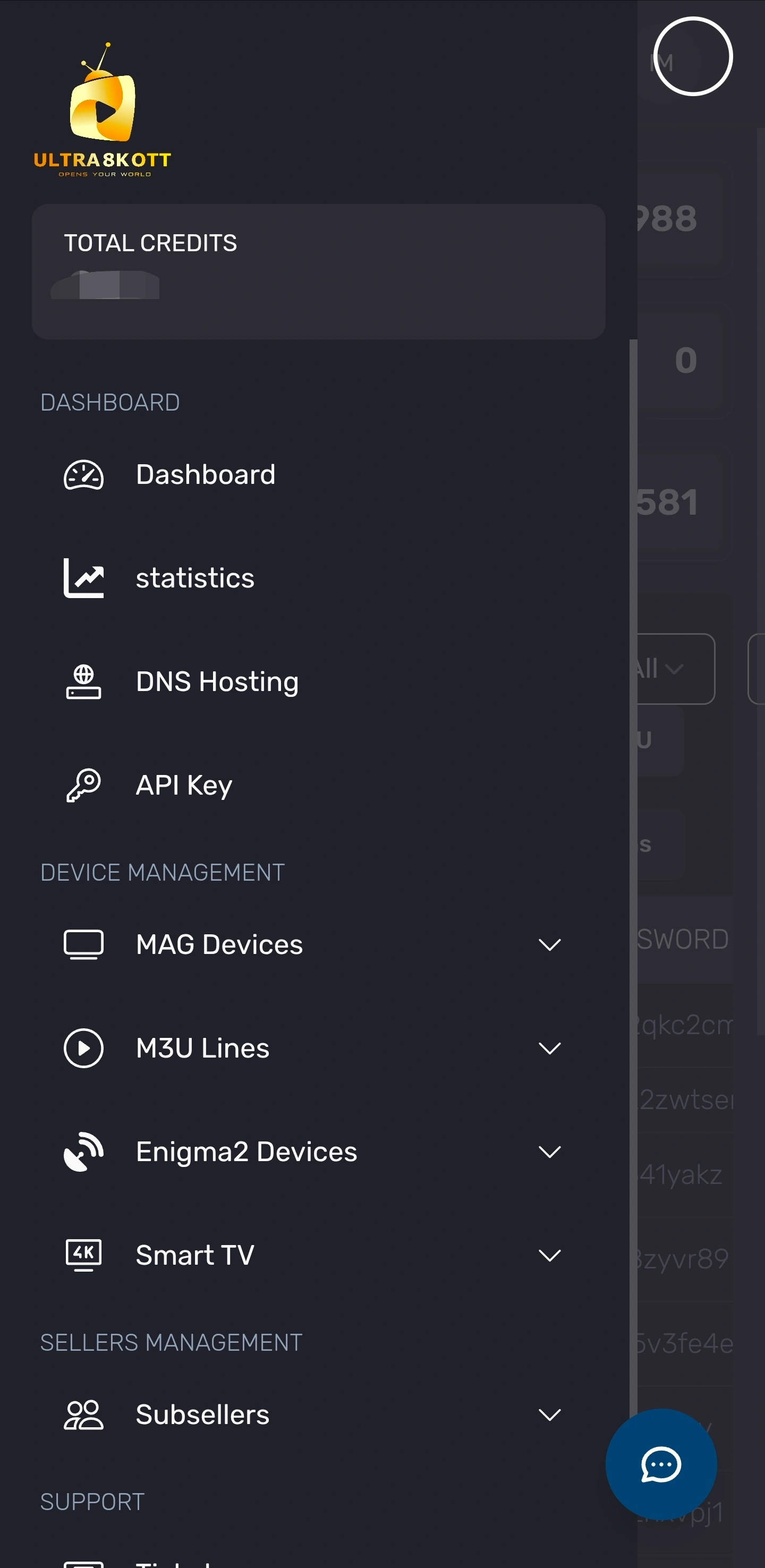
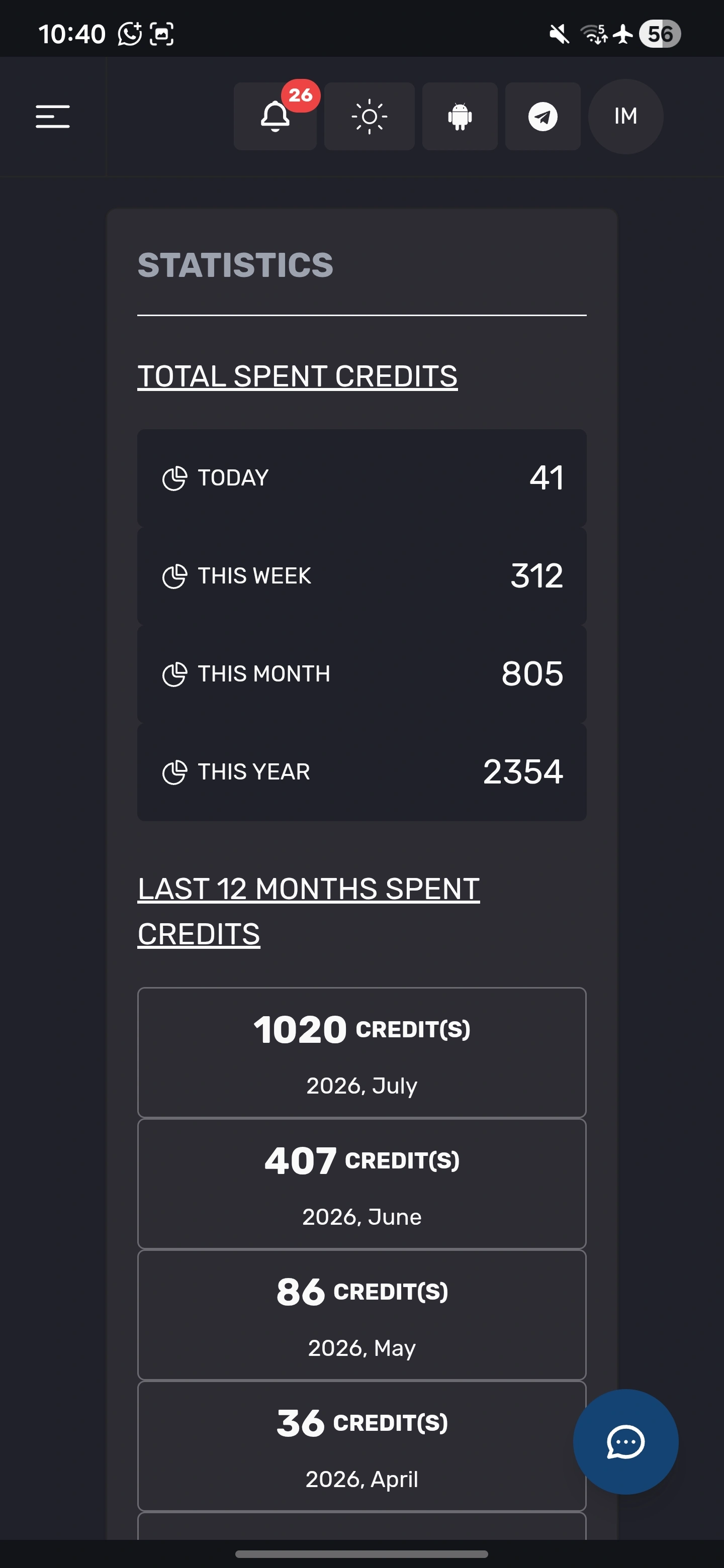
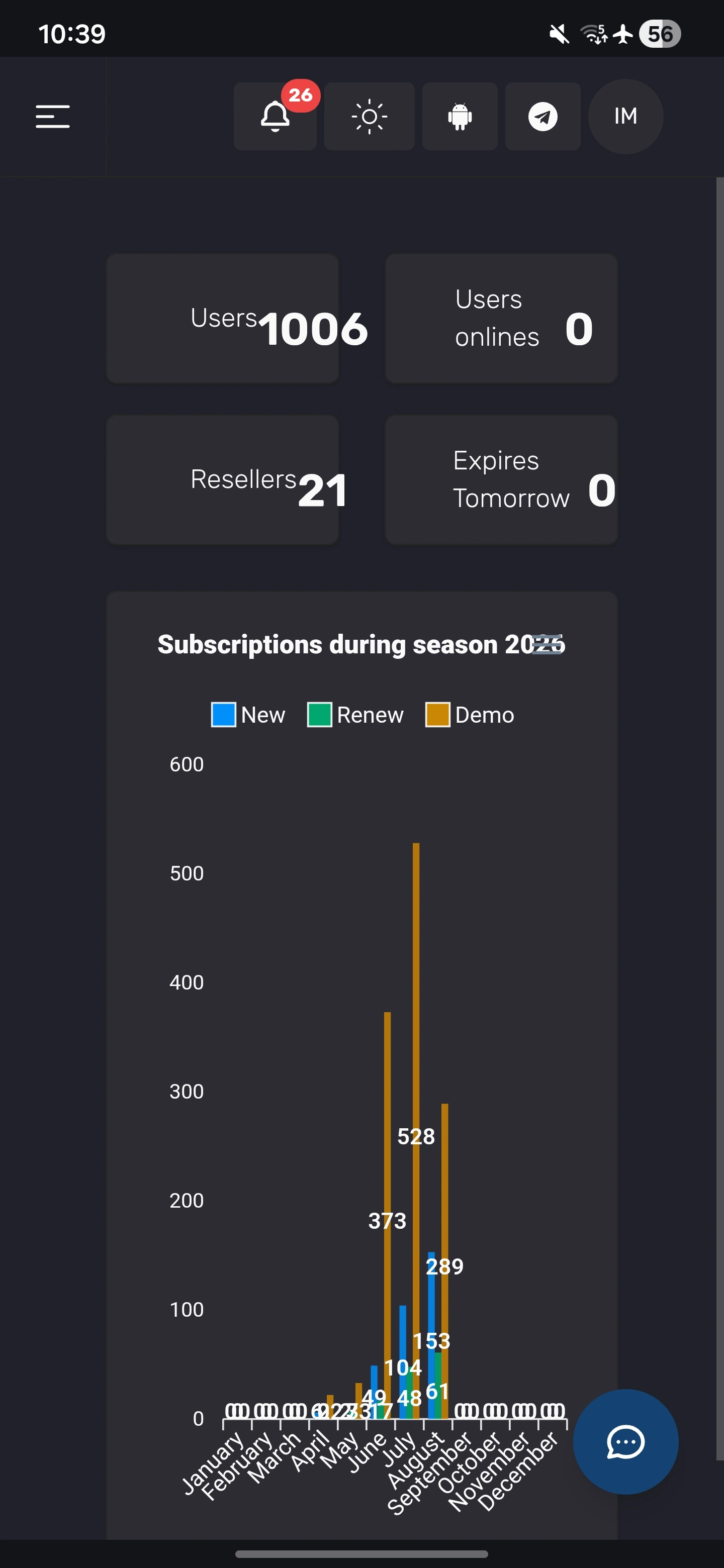
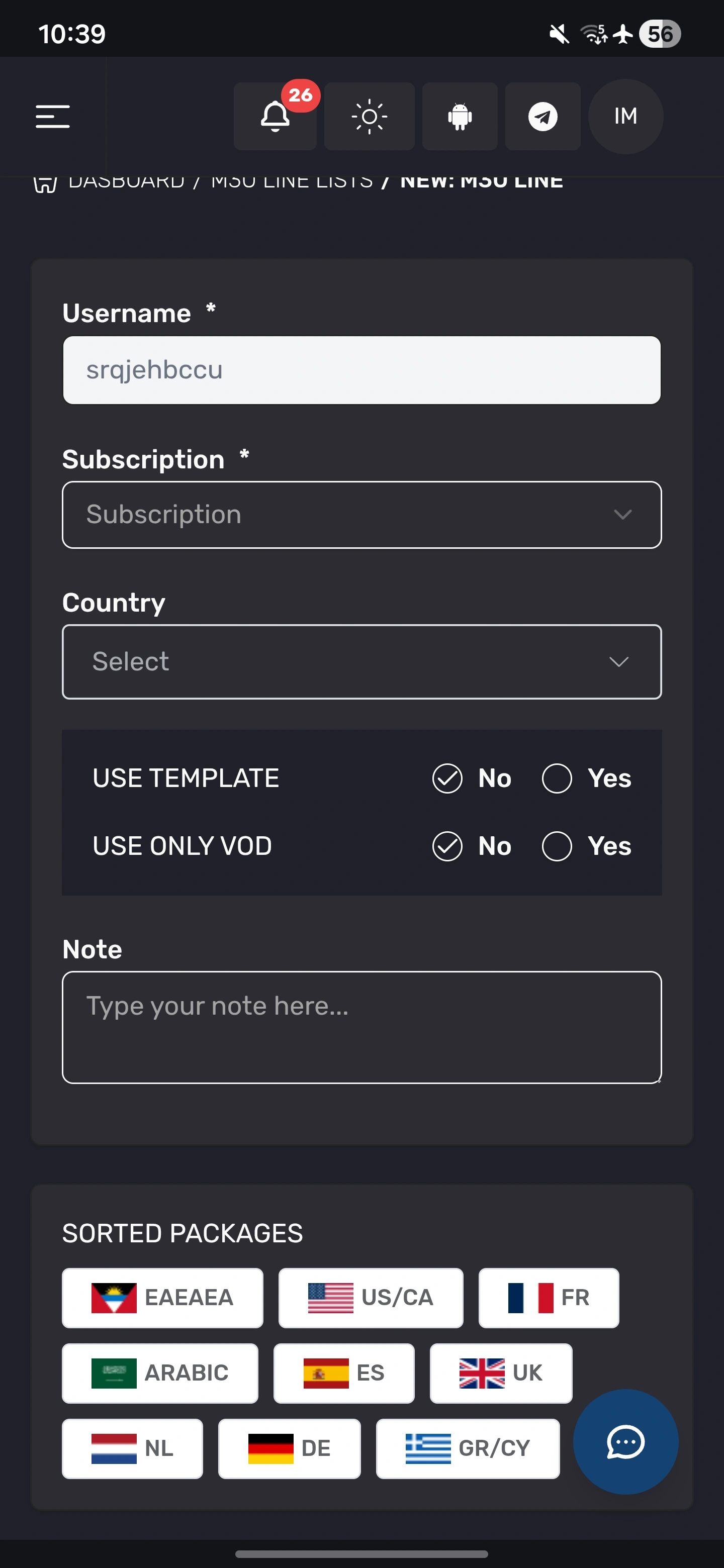
Answers about XOTT Player, Ultra 8K IPTV compatibility, setup, login, EPG, device support, playback quality, troubleshooting and player comparison.
XOTT Player is a supported IPTV player that can be used with compatible Ultra 8K IPTV accounts on supported devices and platforms. Player availability, interface features and installation methods can vary by device and operating system.
This page describes XOTT Player as a supported IPTV player for Ultra 8K IPTV. It should not be treated as an Ultra 8K IPTV-owned application unless a formal ownership or official partnership is documented.
Yes. XOTT Player can be used with compatible Ultra 8K IPTV account details on supported devices where the player is available.
Install XOTT Player using the legitimate distribution method available for your device, open the account or playlist setup screen, enter the server, username and password or other supported account details supplied with your subscription, save the profile and allow the playlist to load.
Many IPTV players support a server URL, username and password login flow. Use only the login method supported by your installed XOTT Player version and the account details supplied with your subscription.
If your installed XOTT Player version supports M3U or playlist URL import, you can use the playlist link supplied with your account. Exact options vary by app version and platform.
EPG or TV guide data can be displayed where both the player and the current channel source support it. Guide coverage is not identical for every channel or service feed.
If your IPTV account and installed player version support VOD categories, XOTT Player can display movies and series supplied by the service.
Playback quality depends on the source stream, device, display, codec support, player version and internet connection. Available Ultra 8K IPTV streams can include HD, Full HD, 4K and selected higher-resolution content where available.
Device support depends on the current XOTT Player distribution and app availability. Check the player source or your device app store before installation and use the Ultra 8K IPTV installation page for broader device setup guidance.
Use the legitimate installation method available for your Fire TV device and Fire OS version. Once installed, open XOTT Player, add your compatible account details and allow the playlist to refresh.
Install XOTT Player if it is available for your Android TV device, open the app, add your supplied Ultra 8K IPTV account details and refresh the playlist and EPG where available.
Search your TV app store for XOTT Player if it is available for your TV model and region. If it is not available, use another compatible IPTV player supported by that television.
Check the device internet connection, confirm the account details are correct, refresh the playlist, restart the player and test another channel. If the issue continues, contact support with your device and player details.
Refresh the EPG or playlist, verify that the player is configured to load guide data and remember that EPG availability varies by source and channel.
Buffering can result from Wi-Fi quality, network congestion, device performance, the source stream or player settings. Restart the device and router, use a stable connection and test another stream or quality level.
Both can be used as IPTV player options where supported, but they are separate player experiences with different interfaces, platform availability and feature sets. Use the dedicated Ultra 8K OTT Player page to compare the other option.
You need valid IPTV account details to access Ultra 8K IPTV content through XOTT Player. The player itself and the service subscription are separate components.
The current displayed subscription prices are $9.59 for 1 month, $23.99 for 3 months, $39.99 for 6 months and $54.99 for 12 months. Promotional pricing can change, so check the pricing page before ordering.
Yes. Reseller customers can use compatible IPTV player options depending on device and operating system, including XOTT Player where supported.
Use the full Ultra 8K IPTV installation guide or contact support through WhatsApp, email or the website contact page with your device model and player details.