Ask about Ultra 8K IPTV
Ultra 8K OTT Player Android APK Downloader Code 2329378 Live TV & VOD EPG Where Available

Ultra 8K OTT Player: Download, Setup, Features & Device Guide

Download Ultra 8K OTT Player directly from ultra8kiptv.app and use it with valid Ultra 8K IPTV account credentials on compatible Android-based devices.

Direct APK: https://ultra8kiptv.app/player.apk
Downloader code: 2329378

Ultra 8K OTT Player installation for Android TV, Fire TV and Android phones

Direct APK Code 2329378 Android TV Fire TV Android Phone Setup Support

What Is Ultra 8K OTT Player?

Ultra 8K OTT Player is the dedicated IPTV player offered through Ultra 8K IPTV for compatible Android-based devices. The app provides the player interface, while a valid IPTV subscription supplies the account and content access.

Live TV

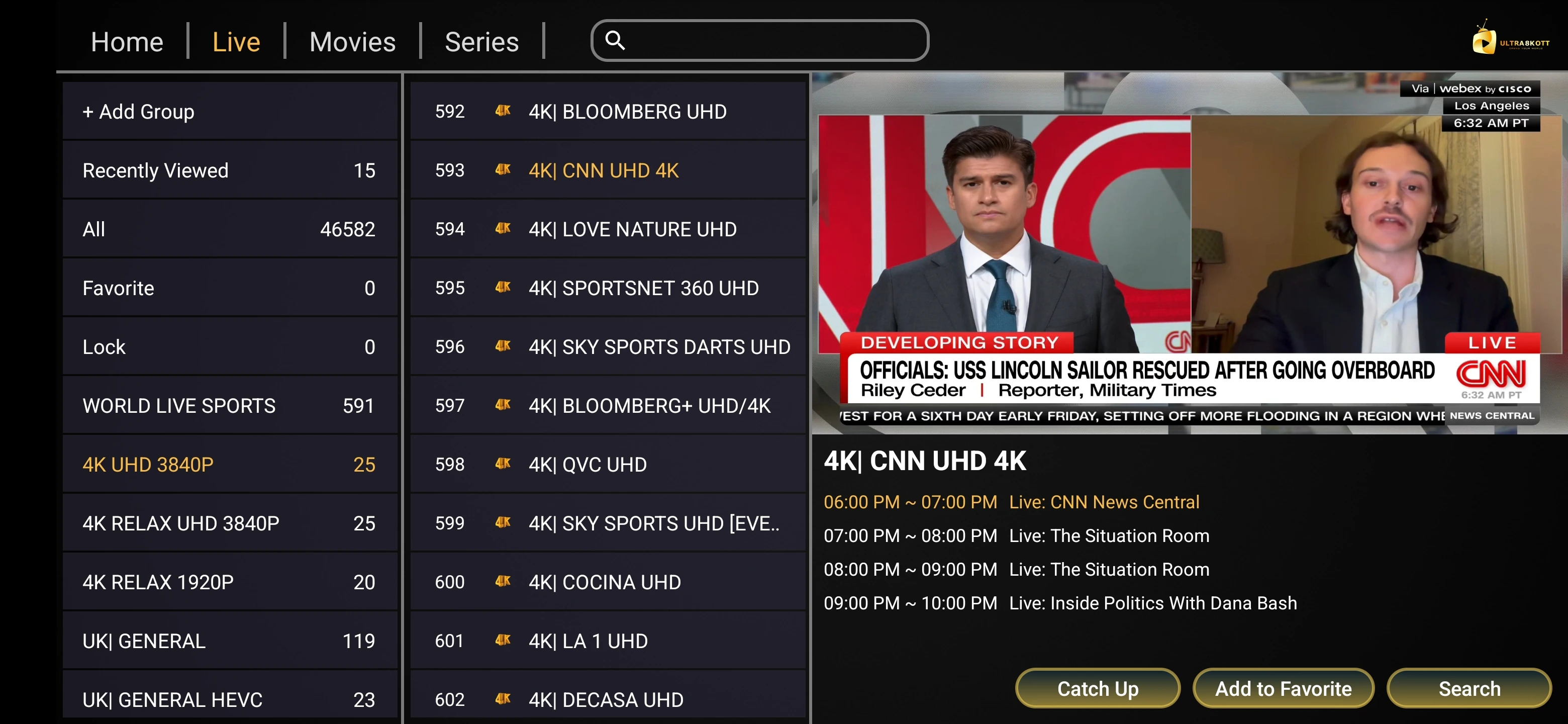
Browse and play available live channels supplied by a valid IPTV account.

Movies & Series

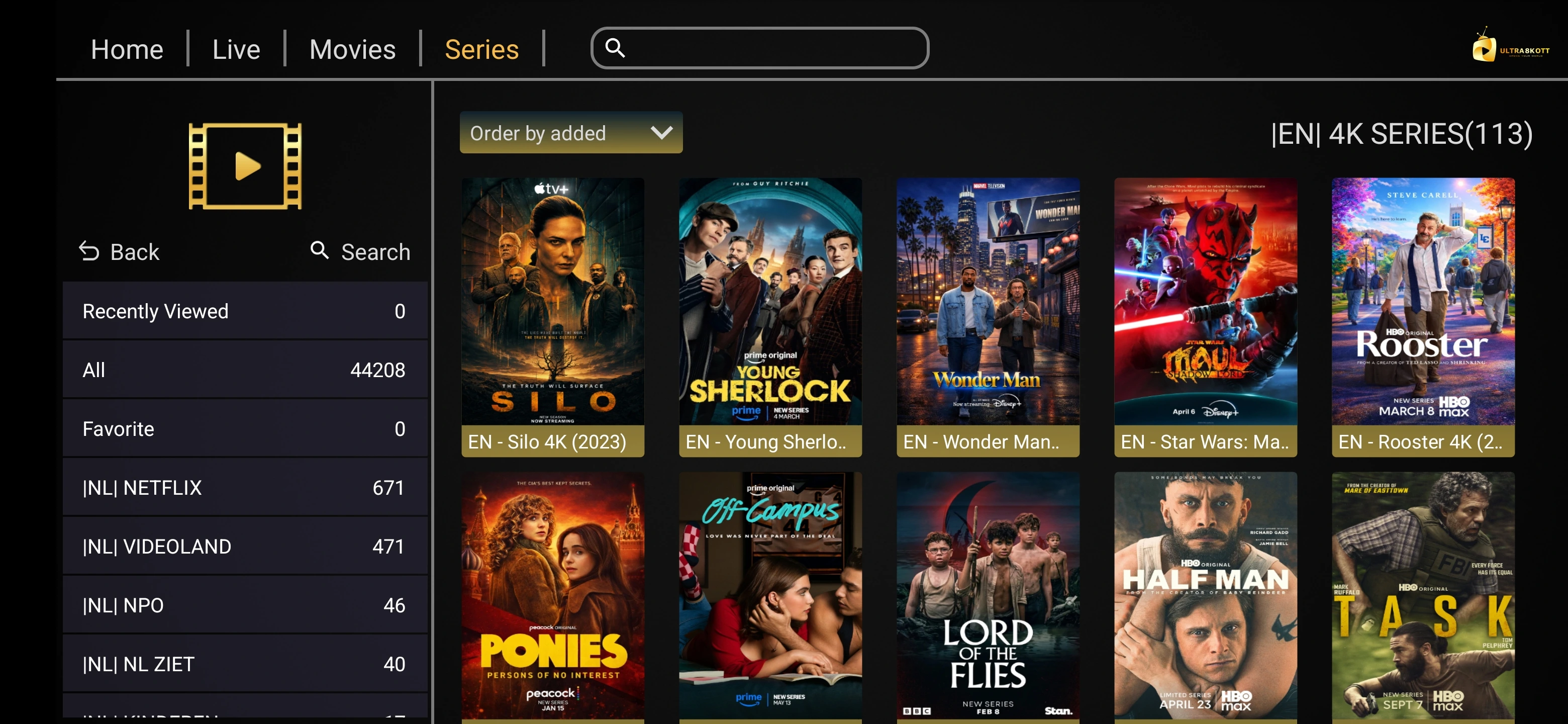
Access VOD categories where included with the account and supported by the app.

EPG

View TV guide information where EPG data is available from the source.

Favorites

Save preferred channels or content for quicker access where supported.

Search

Search available channels and content categories using the player interface.

Player Settings

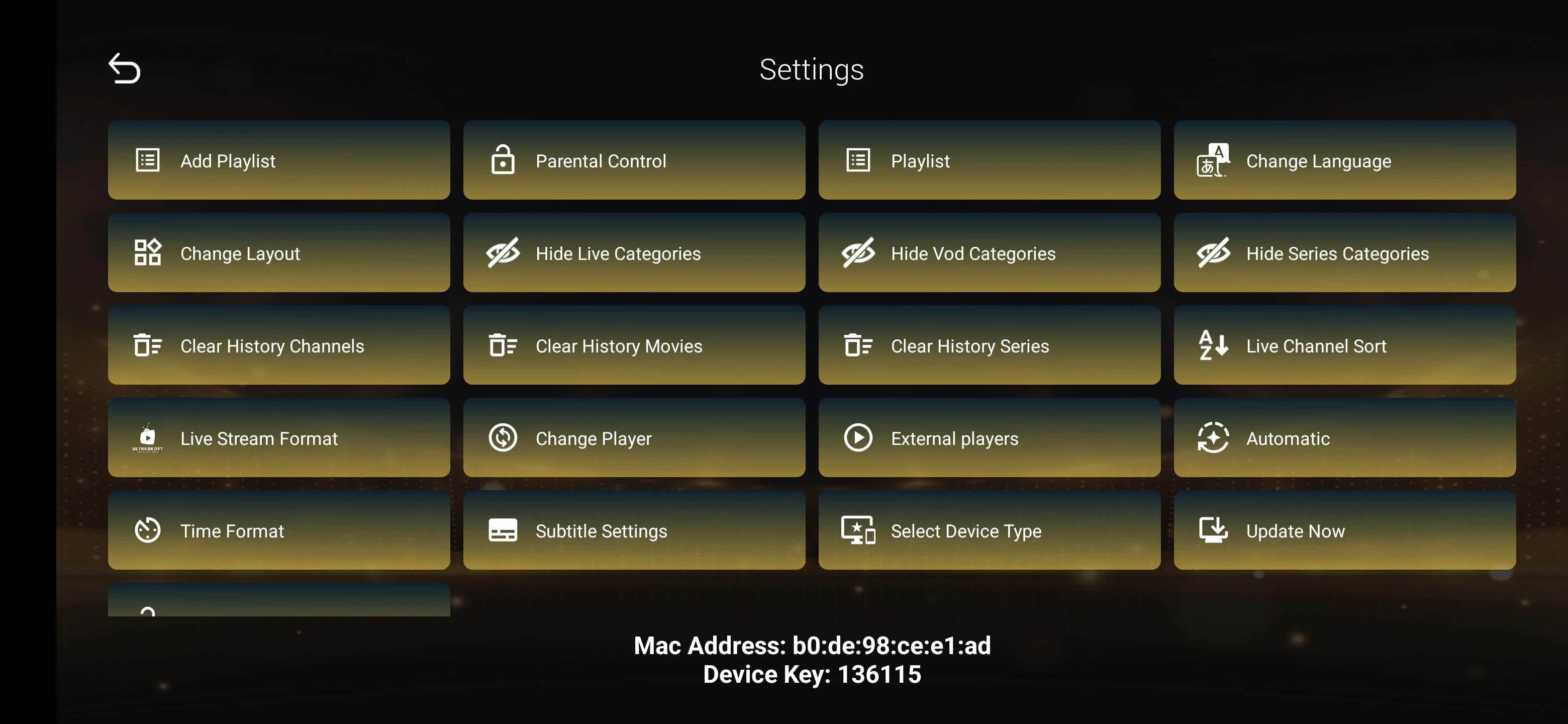
Adjust available playback and interface options on supported devices.

Download Ultra 8K OTT Player APK

Use the direct APK link or Downloader code below. For security, install the app only from the official Ultra 8K IPTV domain.

Direct APK Download

https://ultra8kiptv.app/player.apk

Download APK

Downloader Code

Open Downloader and enter:

2329378

The code opens the Ultra 8K OTT Player APK download route.

How to Install Ultra 8K OTT Player

Follow the guide for your device below. Android and Fire OS may ask you to allow installation from the browser or Downloader app used to open the APK.

Android TV / Google TV Installation

1. Open the Google Play Store on your Android TV or Google TV device.

2. Search for and install Downloader if it is available for your device.

3. Open Downloader.

4. Enter Downloader code 2329378 or type https://ultra8kiptv.app/player.apk.

5. Download the APK from the Ultra 8K IPTV domain.

6. If Android blocks installation, follow the system prompt to allow installation permission for Downloader.

7. Install Ultra 8K OTT Player and open the app.

8. Enter your valid IPTV account details and allow the playlist and EPG to load.

Need credentials or want to ask about a trial? Contact support on WhatsApp.

Firestick / Fire TV Installation

1. Open the Amazon Appstore on your Fire TV device.

2. Search for and install Downloader if available.

3. Open Downloader and enter code 2329378 or https://ultra8kiptv.app/player.apk.

4. Download the APK.

5. If Fire OS blocks installation, follow the system prompt to allow installation permission for Downloader.

6. Install Ultra 8K OTT Player.

7. Open the app and enter your valid IPTV account credentials.

8. Wait for live TV, movies, series and EPG information to load where available.

Want to test the service first? Ask support about current trial availability.

Android Phone / Tablet Installation

1. Open Chrome or another trusted browser on the Android phone or tablet.

2. Visit https://ultra8kiptv.app/player.apk.

3. Download the APK file.

4. Open the downloaded APK.

5. If Android asks for permission, allow installation from the browser or file manager you used.

6. Install and open Ultra 8K OTT Player.

7. Enter your IPTV account details and save the profile.

8. Let the content list load and test playback.

Contact support to ask about a trial.

How to Add Your Ultra 8K IPTV Account

The player requires valid IPTV account details. Keep your username, password and service URL private.

Server / Portal

Enter the server or portal URL exactly as supplied with your subscription.

Username

Enter the username exactly as provided, without extra spaces.

Password

Enter the password exactly as supplied and avoid sharing it publicly.

Load & Refresh

Save the account and allow the player to load live TV, VOD and EPG data where available.

Ultra 8K OTT Player Interface & Features

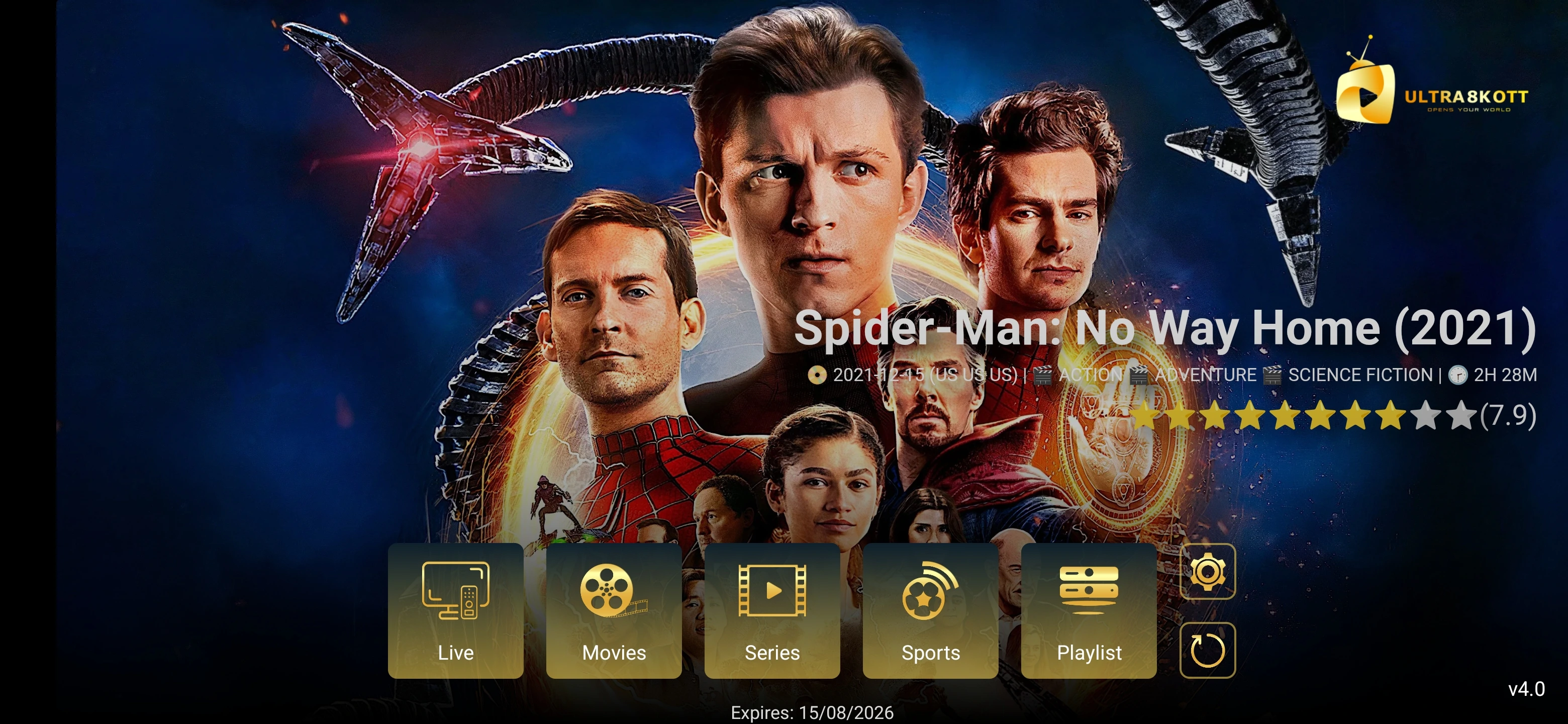
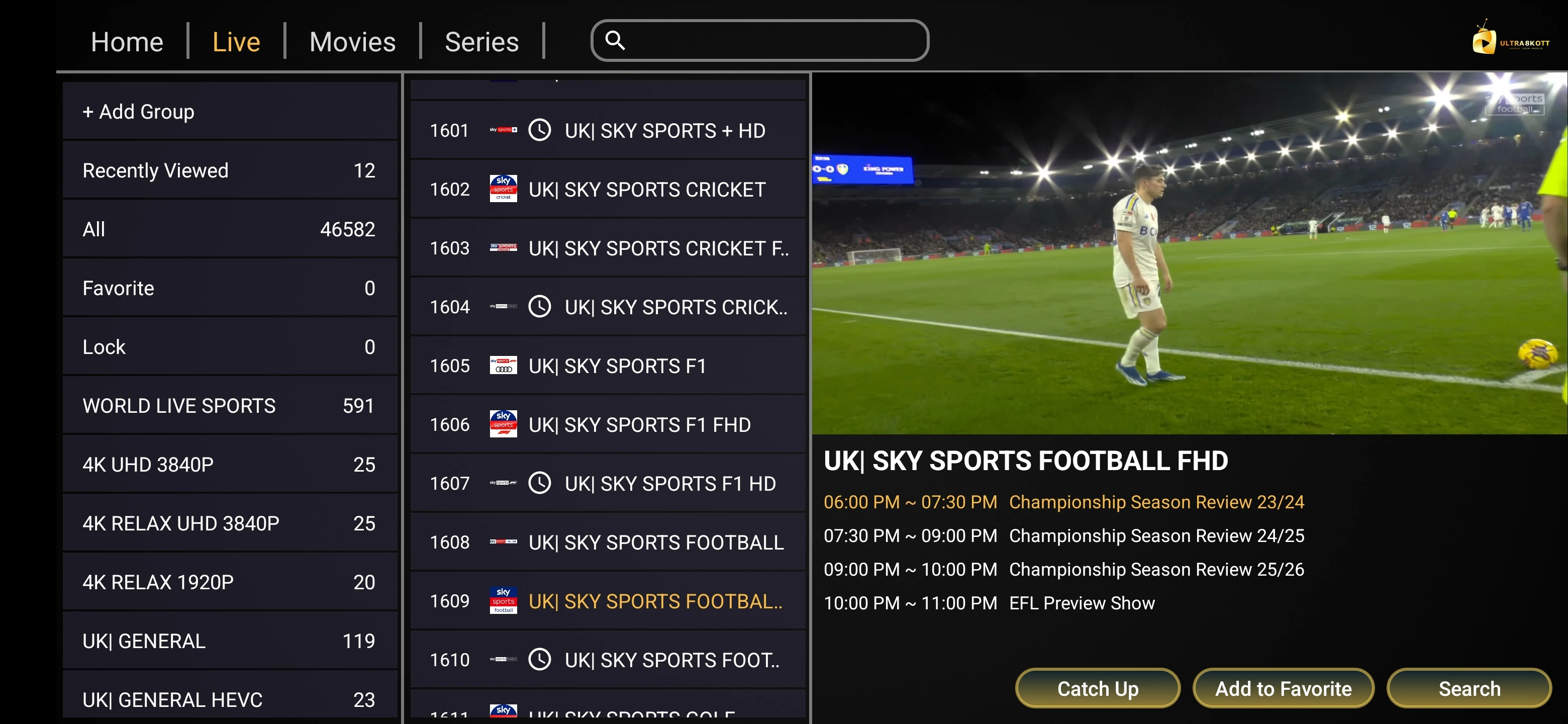
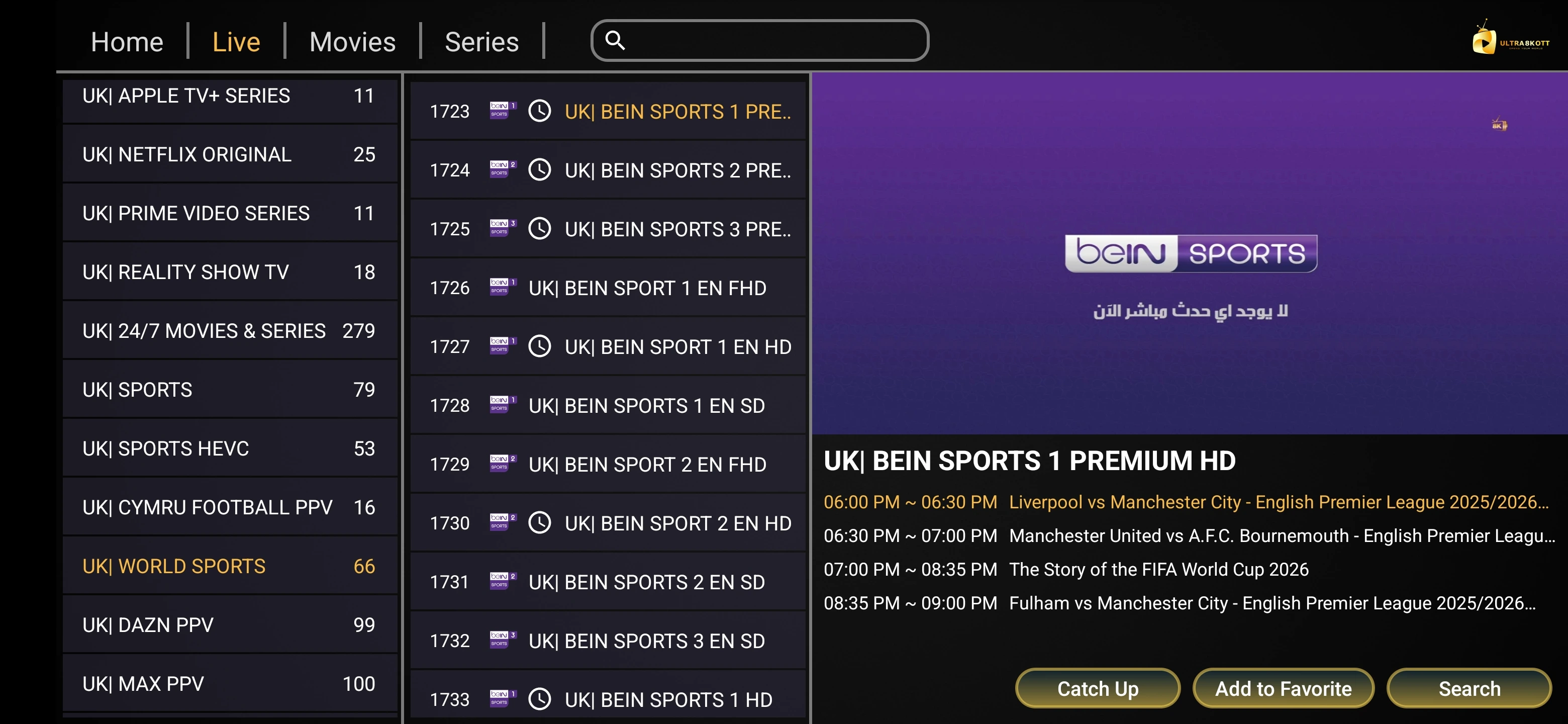
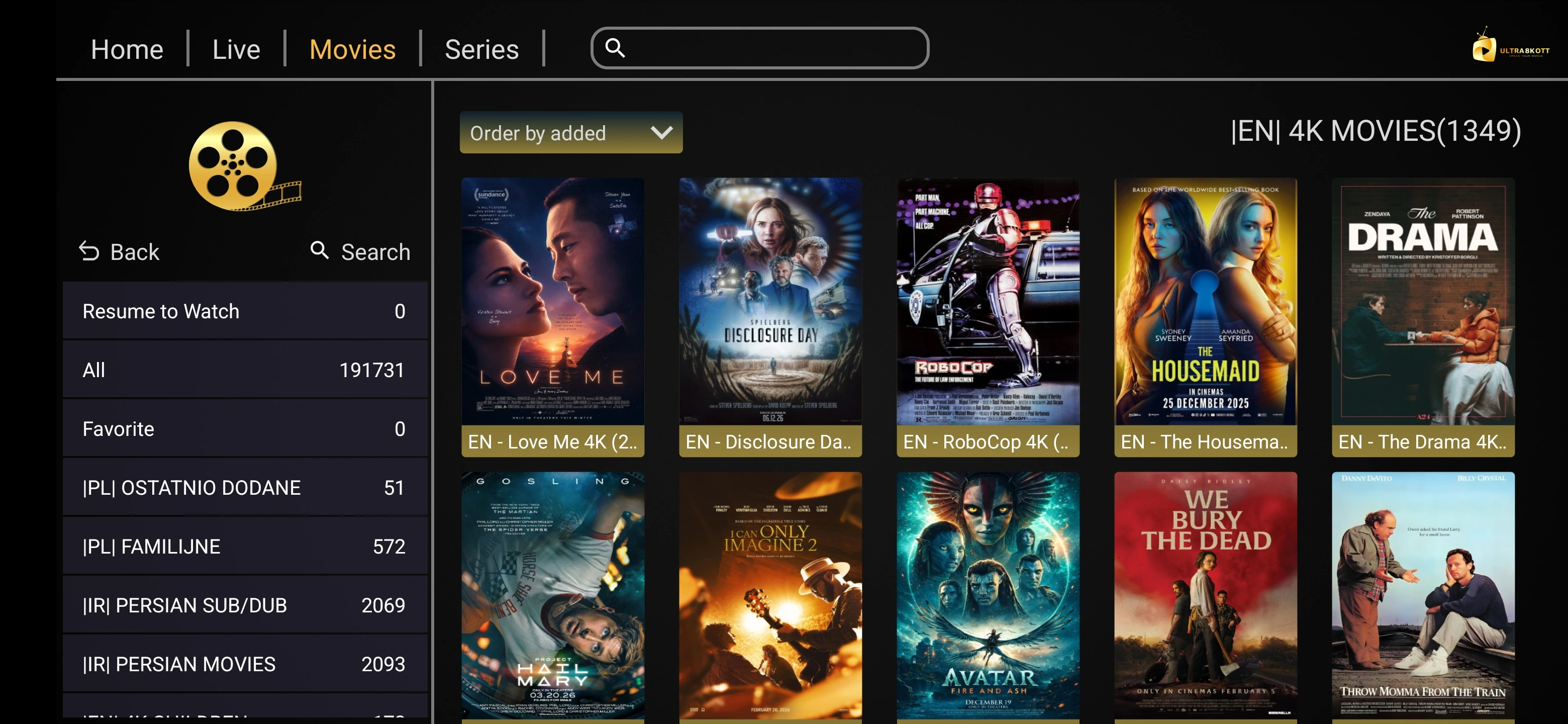
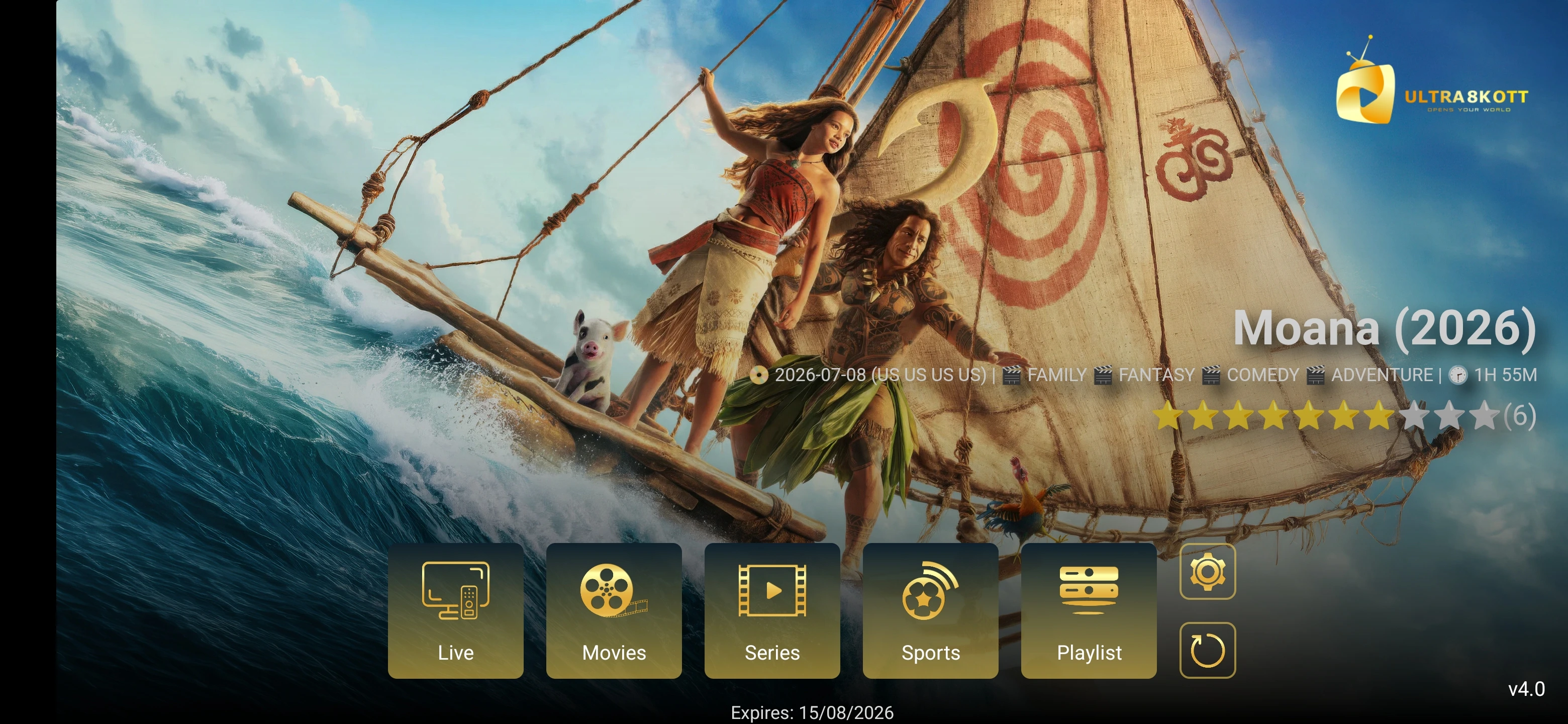
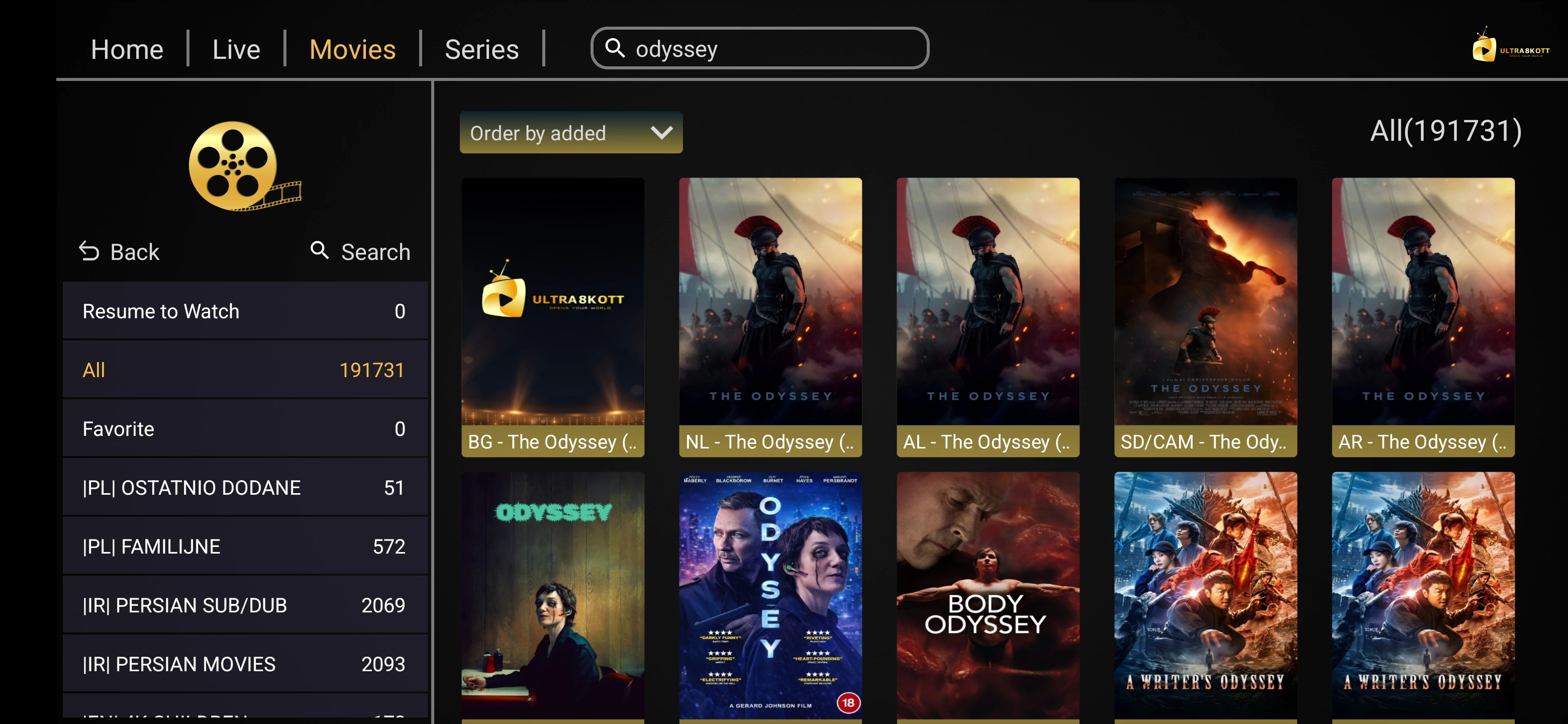
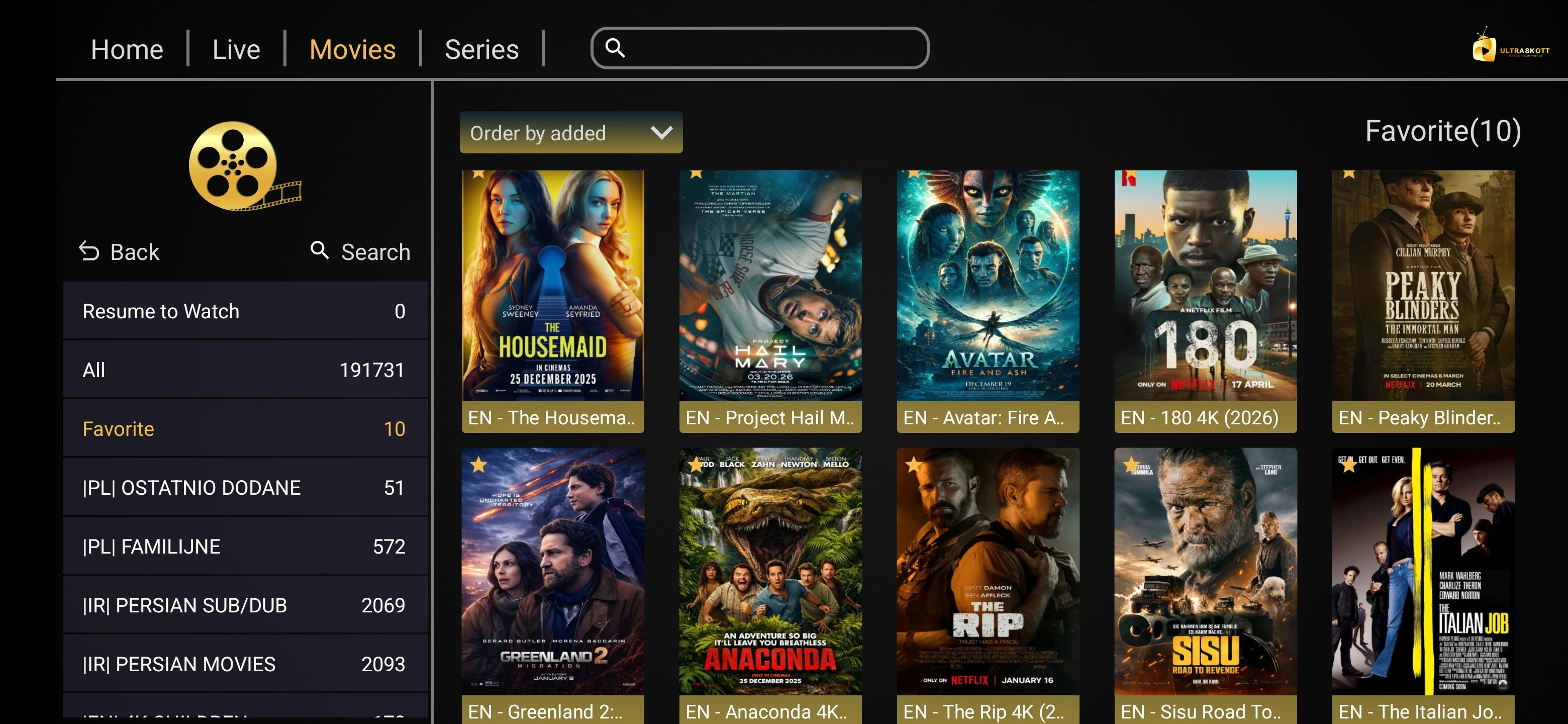
Preview the player home screen, live TV, channels, movies, series, EPG, playback, settings, search and favorites.

HD, Full HD, 4K & Selected Higher Resolution

The player can only display the quality supplied by the source and supported by the device. Available Ultra 8K IPTV streams can include HD, Full HD, 4K and selected higher-resolution content where available.

Full HD

Higher-definition playback where available from the source.

4K

Selected streams may be available in 4K when supported by the device and source.

Selected Higher Resolution

Some sources may offer higher-resolution playback, but it is not guaranteed across the full lineup.

Ultra 8K OTT Player Problems & Fixes

APK Will Not Install

  • Confirm the download completed
  • Check available device storage
  • Allow installation permission for Downloader or your browser if requested
  • Re-download from https://ultra8kiptv.app/player.apk

Login Failed

  • Re-enter server, username and password
  • Remove accidental spaces
  • Restart the player
  • Contact support if credentials still fail

Channels Not Loading

  • Check internet access
  • Refresh the account
  • Restart the app and device
  • Test another channel

Buffering or Stuttering

  • Restart router and device
  • Use Ethernet or stronger Wi-Fi where possible
  • Close background apps
  • Test another stream quality if available

Use Ultra 8K OTT Player With an Ultra 8K IPTV Subscription

The player is separate from the IPTV service account. Choose a subscription if you do not already have valid credentials.

Ultra 8K OTT Player vs XOTT Player

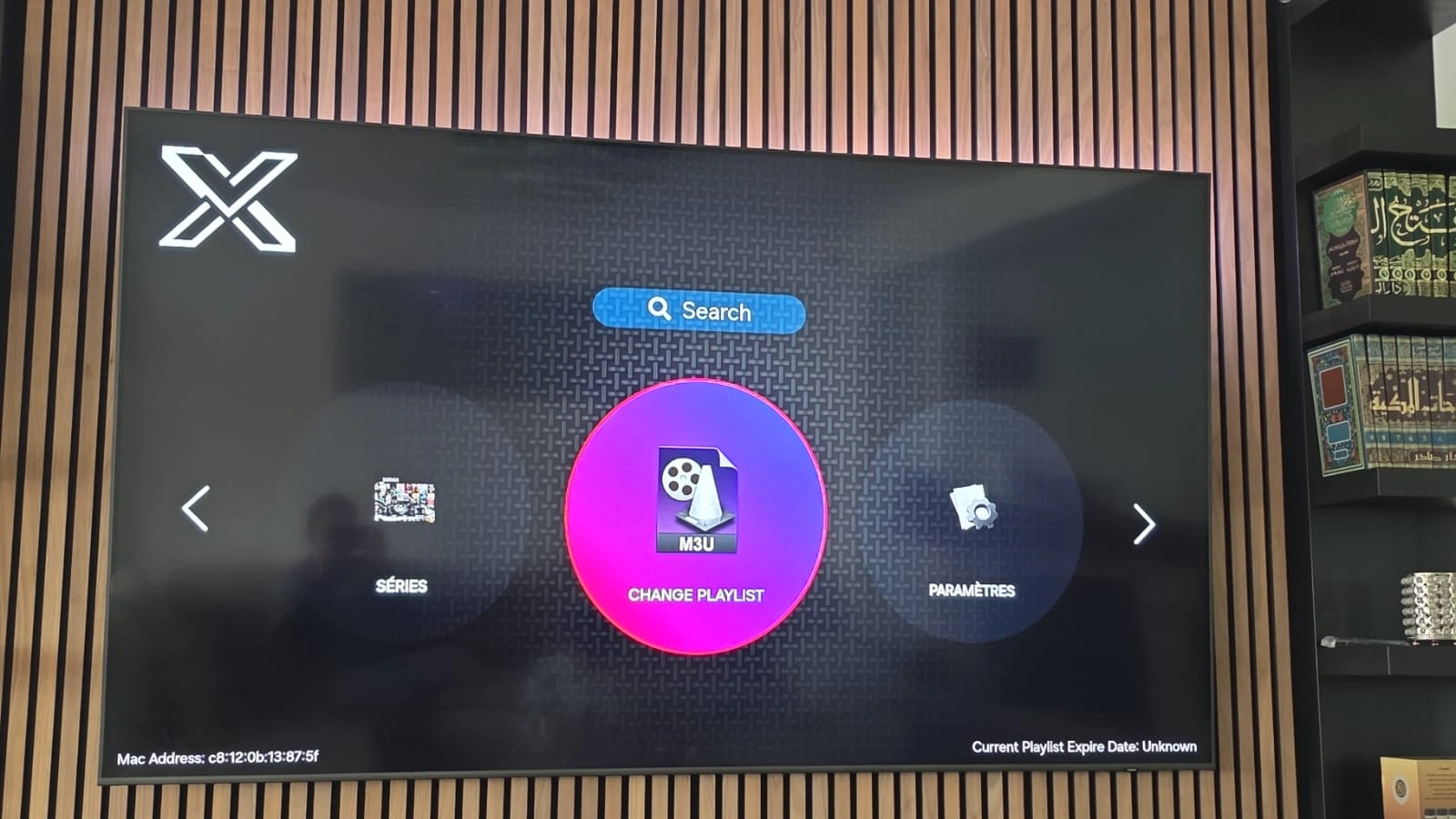
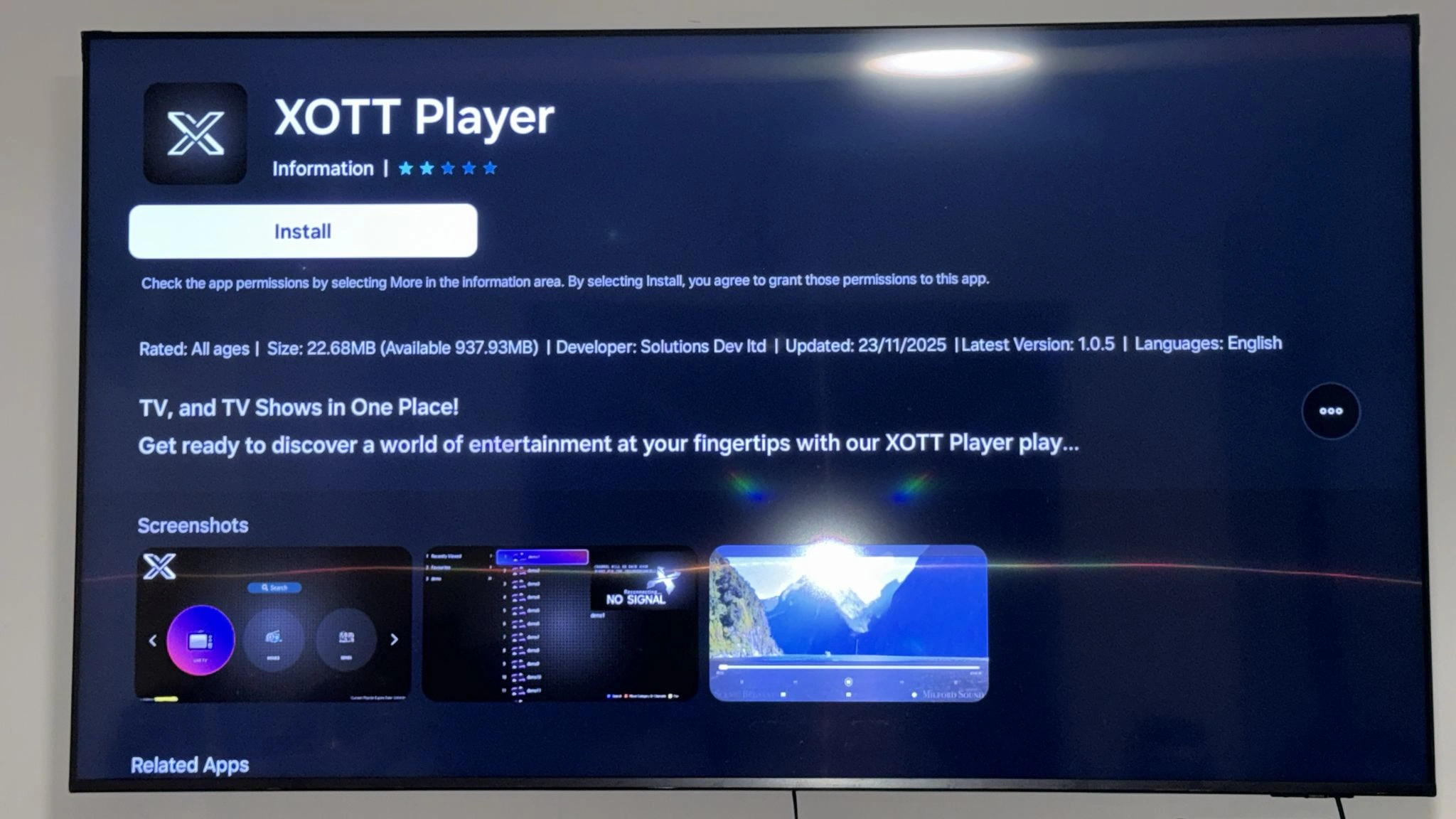
Ultra 8K OTT Player is the direct APK option provided through Ultra 8K IPTV for compatible Android-based devices. XOTT Player is a separate supported player option where available.

Ultra 8K OTT Player

Direct APK: https://ultra8kiptv.app/player.apk

Downloader code: 2329378

XOTT Player

A separate IPTV player option where supported by the user's device and current app distribution.

Explore XOTT Player.

Ultra 8K OTT Player Frequently Asked Questions

Download, installation, Downloader code, Android TV, Fire TV, Android phone, account login, EPG, playback and troubleshooting answers.

Ultra 8K OTT Player is an IPTV player provided for compatible devices and intended to be used with valid IPTV account details. It can display live TV, movies, series, EPG data and other player features when supported by the service account and device.

The current direct APK link is https://ultra8kiptv.app/player.apk. On compatible Android-based devices, you can also enter Downloader code 2329378 in the Downloader app to open the download link.

The current Downloader code is 2329378. Enter it in Downloader on a supported Android TV or Fire TV device to open the Ultra 8K OTT Player APK download.

Open Google Play Store on the Android TV, install Downloader if it is available for your device, open Downloader, enter code 2329378 or the direct URL https://ultra8kiptv.app/player.apk, download the APK, allow installation permission if Android requests it, install the app and then add your IPTV account details.

Install Downloader from the Amazon Appstore if available on your Fire TV device, open it, enter code 2329378 or https://ultra8kiptv.app/player.apk, download the APK, allow installation permission for Downloader if Fire OS requests it, install the app and then sign in with your IPTV account details.

Open https://ultra8kiptv.app/player.apk in your Android browser, download the APK, allow installation from that browser or file manager if Android requests permission, install the app and then add your IPTV account details. Only install the APK from the official Ultra 8K IPTV domain.

The player app and IPTV service subscription are separate. You need valid account credentials to access Ultra 8K IPTV content in the player.

Open the player and use the account login method shown in the app. Enter the server or portal URL, username and password, or other account details supplied with your subscription.

EPG or TV guide information is available where supported by the IPTV source and player data. Guide coverage can vary by channel.

Yes, where your IPTV account includes VOD and the player version supports those sections, the app can display movies and series.

Playback quality depends on the source stream, device, display, codec support and internet connection. Available Ultra 8K IPTV streams can include HD, Full HD, 4K and selected higher-resolution content where available.

You can install the player on compatible devices, but simultaneous IPTV playback depends on the connection limits of your service account.

Confirm that the download completed, that the device has enough storage, and that installation permission is enabled for the browser or Downloader app you used. If the issue continues, delete the APK and download a fresh copy from https://ultra8kiptv.app/player.apk.

Check the internet connection, confirm your IPTV account details are correct, refresh the account or playlist, restart the app and test another channel. Contact support if the issue continues.

Refresh the EPG or playlist in the player and allow time for guide data to load. EPG availability can differ by channel and source.

Buffering can be caused by Wi-Fi quality, network congestion, device performance, source quality or player settings. Restart the router and device, use a stable connection and test another stream quality if available.

Contact Ultra 8K IPTV support through WhatsApp or the website contact page to ask about current trial availability and setup assistance.

Contact support through WhatsApp at +44 7532 814802, email support@ultra8kiptv.app, or the website contact page. Include your device model and a short description of the issue.

The current displayed prices are $9.59 for 1 month, $23.99 for 3 months, $39.99 for 6 months and $54.99 for 12 months.

They are separate IPTV player options with different interfaces, platform availability and features. Use the dedicated XOTT Player page if you prefer XOTT Player on a supported device.

Download Ultra 8K OTT Player

Use the direct APK or Downloader code 2329378, then add your valid IPTV account. Contact support if you need setup help or want to ask about current trial availability.